
Download Ace File Viewer – file viewer, document viewer, image viewer, media player, archive viewer, CAD viewer, email viewer, file management tool
Overview
Ace File Viewer is a productivity-focused tool designed to simplify file management on Windows-based systems. The application enables users to open and view a wide array of file formats without the need for multiple specialized programs. By leveraging proprietary signature matching technology, it automatically identifies file types, streamlining access to documents, images, audio, video, archives, CAD files, and email formats. This capability makes it particularly valuable for professionals and individuals who frequently encounter diverse file types across personal and work-related tasks.
The app targets users who seek a centralized solution for file interaction, reducing dependency on fragmented software. Whether managing project documentation, reviewing technical drawings, or accessing archived emails, Ace File Viewer aims to enhance efficiency and reduce workflow friction. Its modular design supports various file categories, ensuring compatibility and usability across different domains. While the developer, Ace Software, is noted, no further details about the company’s background or history were provided.
Real-world applications include office environments where employees handle mixed file types, creative professionals working with multimedia assets, and technical teams dealing with CAD or archived email data. In the broader app ecosystem, Ace File Viewer fills a niche for universal file access, offering a lightweight alternative to installing numerous standalone viewers. Its release on January 10, 2024, marks a continued effort to improve file accessibility on desktop platforms.
Key Features & Functionality
- Comprehensive File Support: The app supports over 400 file formats, including documents, images, audio, video, archives, CAD files, and email formats (MSG, EML). This broad compatibility eliminates the need to search for specific viewers for each file type.
- Proprietary Signature Matching: Instead of relying on file extensions, the application uses internal file signatures to detect formats accurately. This ensures reliable identification even when file names are misleading or incorrectly labeled.
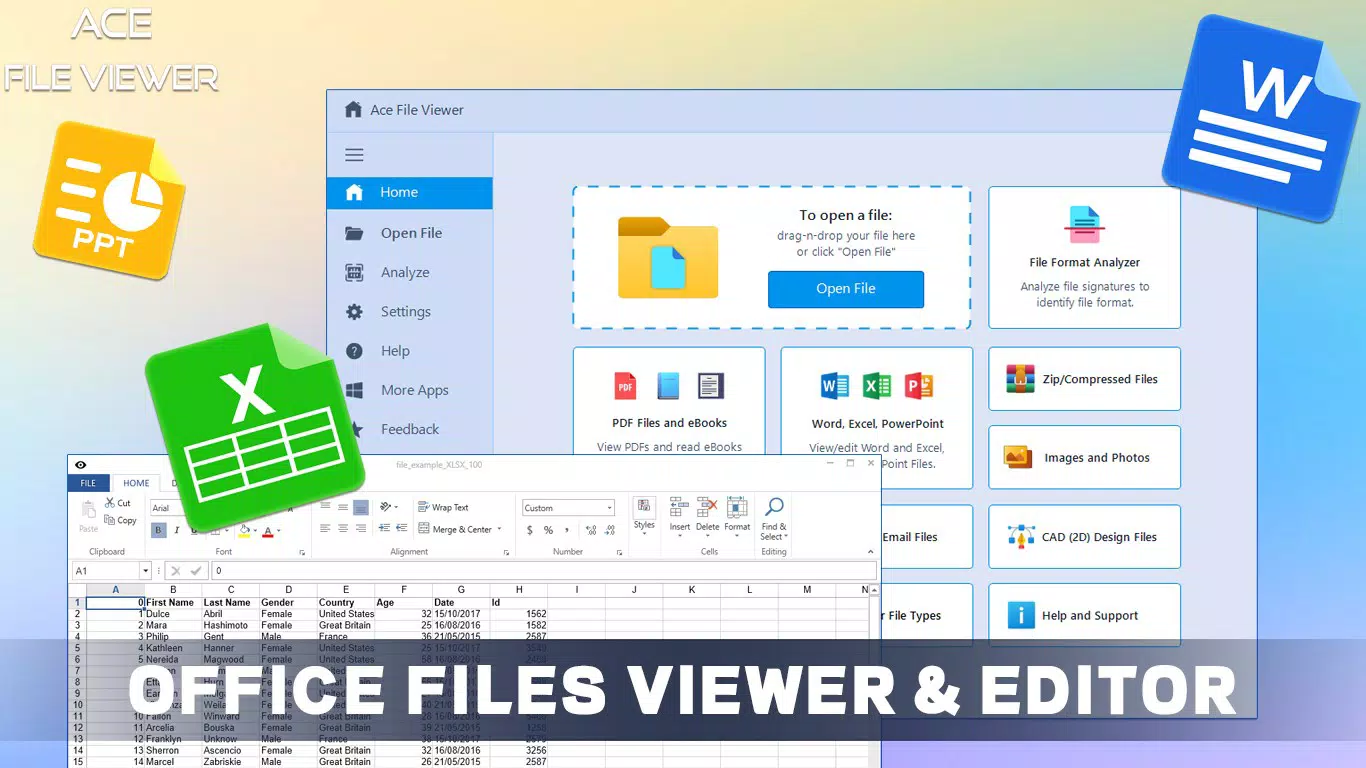
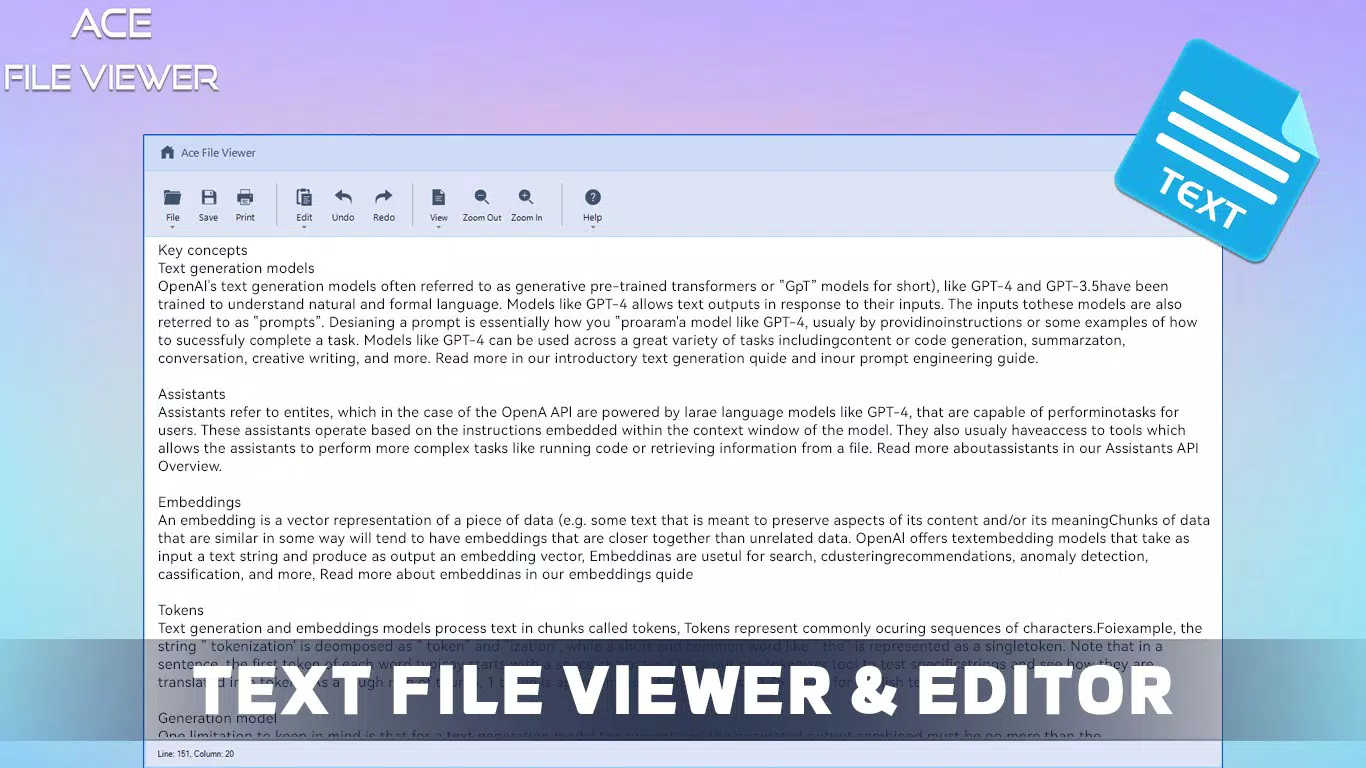
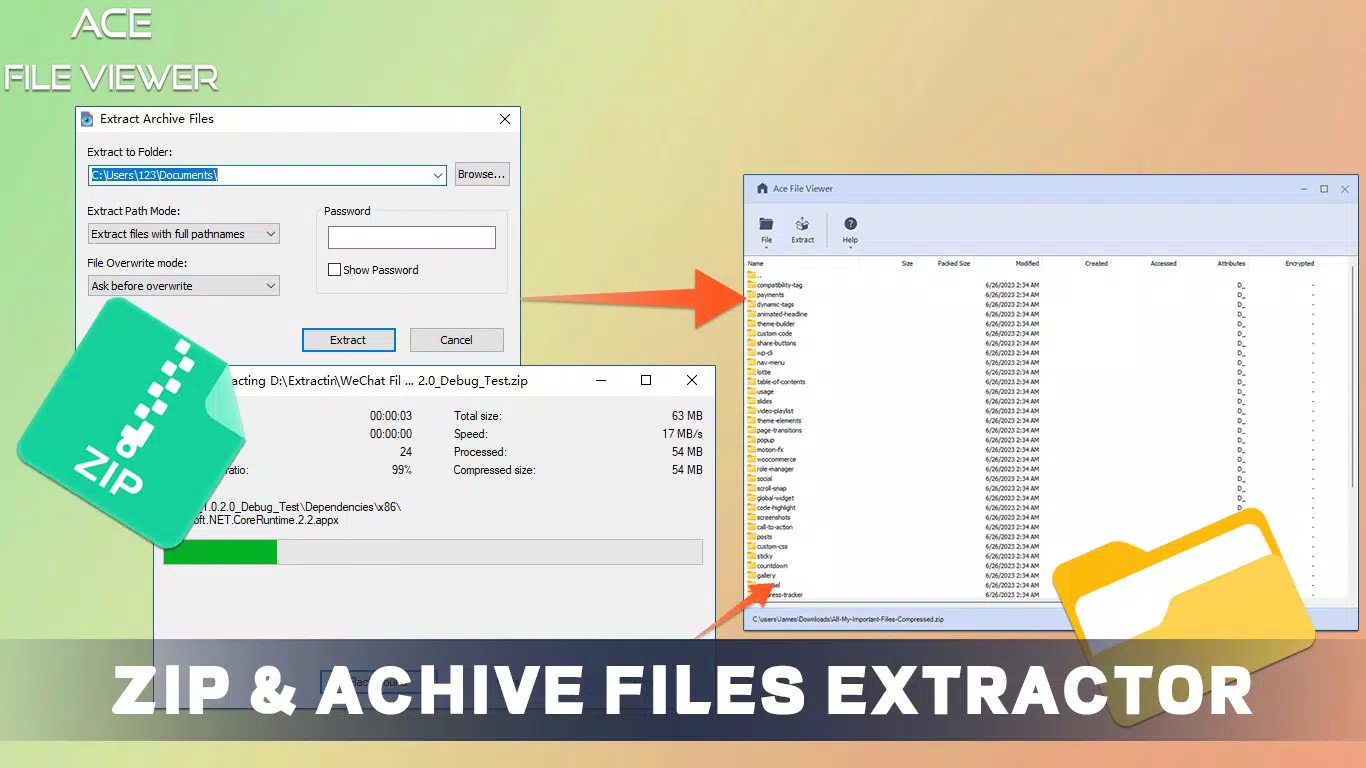
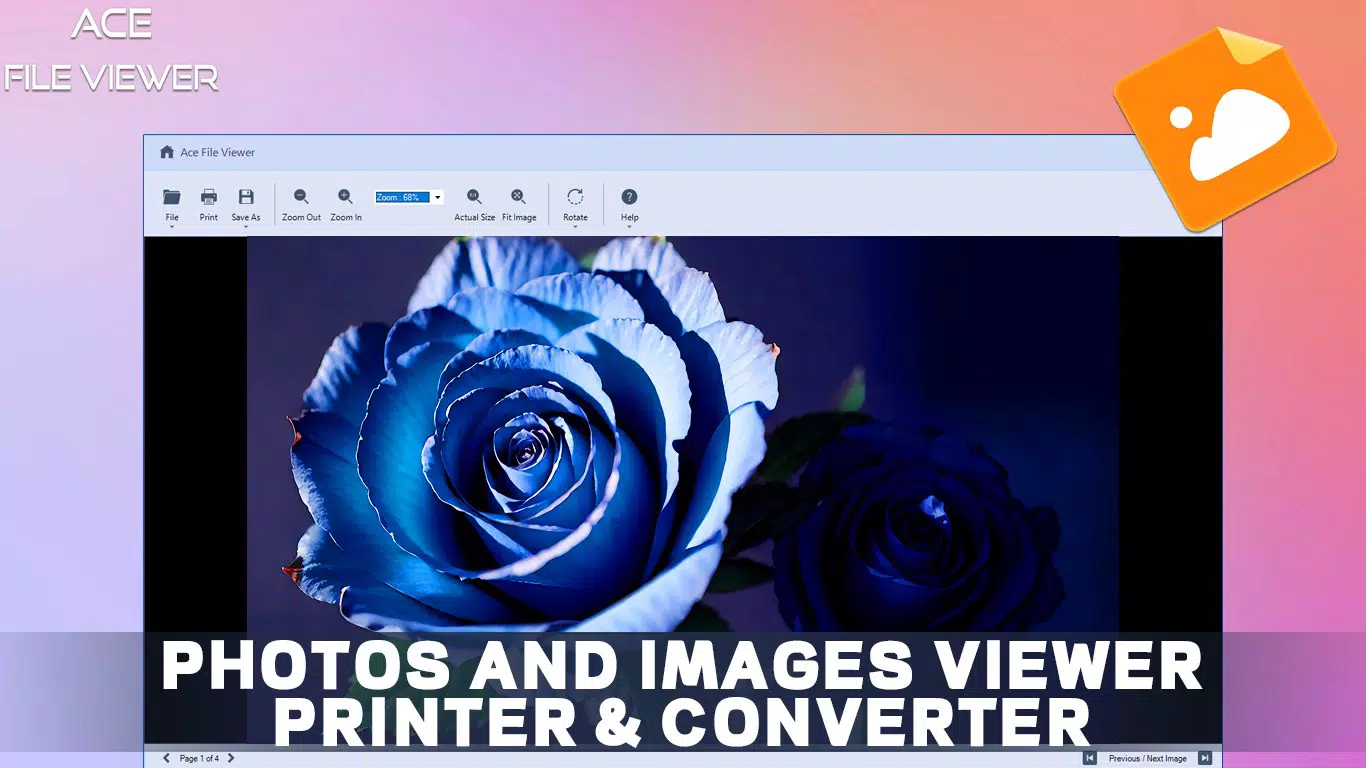
- Modular File Viewers: Dedicated modules are available for office documents, images, multimedia, eBooks, text files, archives, CAD designs, and emails. Each module provides tailored tools suited to the specific file type, enhancing usability and functionality.
- Integrated Email File Viewer: Users can open and manage MSG and EML files without requiring Microsoft Outlook. This feature supports viewing, saving, and printing email content directly within the app, improving workflow efficiency.
- One-Day Free Trial: A full-featured trial allows users to test all functionalities before purchasing. This risk-free evaluation period supports informed decision-making and ensures the app meets individual or organizational needs.
- User-Friendly Interface: The layout is intuitive, with logical navigation between file types and modules. This design benefits users of all technical skill levels, minimizing the learning curve and promoting seamless file interaction.
For example, a project manager can open a PDF report, view a linked DWG CAD drawing, and review an archived EML email—all within the same interface. Similarly, a graphic designer can quickly assess image formats like PSD or AI without switching applications. These real-world use cases demonstrate the app’s versatility and time-saving potential.
Interface, UX & Performance
The user interface of Ace File Viewer is designed with clarity and accessibility in mind. The layout features a clean, organized structure that separates file categories into distinct modules, allowing users to navigate between document, media, archive, and email viewers with ease. Visual cues and consistent design elements contribute to a cohesive user experience, reducing cognitive load during file interactions.
Navigation is straightforward, with a sidebar or menu system that lists available file types and associated viewers. Users can open files directly from the file explorer or drag and drop files into the app window. The interface responds promptly to user inputs, maintaining a smooth interaction flow. Although the developer did not list formal performance metrics, the application’s lightweight size of 18.2 MB suggests efficient resource usage.
Performance across device categories appears consistent based on the app’s design philosophy. On lower-end systems, the application likely maintains stability due to its compact footprint. On higher-end machines, it should deliver fast loading times and responsive behavior. The app does not appear to impose high CPU or memory demands, which supports its use in multitasking environments. Stability during extended use was not documented, but the modular architecture suggests resilience to crashes caused by incompatible file types.
Platform Compatibility & Technical Requirements
Ace File Viewer is available exclusively for the Windows platform. It runs on Windows operating systems, though specific minimum OS requirements were not listed by the developer. The application has a file size of 18.2 MB, indicating a lightweight installation that should not strain system storage.
The current version is 2.0.1, released on January 10, 2024. This update likely includes refinements to file detection, module performance, and overall stability. While no detailed changelog was provided, users can expect improvements in compatibility and responsiveness. The app is not available for Android or iOS, meaning it is strictly a desktop utility.
Compatibility information was not fully disclosed, so users should ensure their system meets standard Windows requirements before installation. The developer did not specify whether the app supports 32-bit or 64-bit systems, nor did they mention support for older Windows versions like Windows 7 or 8.1.
Pros and Cons
Pros
- Supports over 400 file formats, reducing the need for multiple viewers.
- Uses signature-based detection for accurate file identification.
- Modular design enhances usability across different file types.
- Includes a built-in email viewer for MSG and EML files without Outlook.
- One-day free trial allows full functionality testing before purchase.
- Lightweight size (18.2 MB) ensures minimal system impact.
Cons
- Platform limited to Windows; no availability for mobile or macOS.
- Specific OS and system requirements were not disclosed.
- No information on automatic update frequency or method.
- Developer did not provide details on cloud integration or file sharing features.
- Price point of $29.99 may be considered high for casual users.
FAQ
Is Ace File Viewer available for mobile devices?
No, the application is currently only available for Windows desktop systems. There is no Android or iOS version released at this time.
Can I use Ace File Viewer without a license?
A one-day free trial is available, allowing full access to all features. After the trial, a purchase is required to continue using the application.
Does Ace File Viewer support CAD files?
Yes, the app includes a dedicated CAD viewer module that supports common design file formats such as DWG and DXF.
Is the app secure to download and install?
The application is developed by Ace Software and distributed through official channels. As with any software, users should download from trusted sources to ensure security.
How often are updates released?
The developer did not specify the update frequency. However, version 2.0.1 was released on January 10, 2024, indicating active development.
Final Thoughts
Ace File Viewer stands out as a powerful, all-in-one file management solution for Windows users dealing with diverse file types. Its ability to automatically detect and open over 400 formats—ranging from documents and media to CAD and email files—makes it a valuable tool for both professionals and everyday users. The modular architecture ensures that each file type is handled with appropriate functionality, while the intuitive interface keeps the user experience smooth and efficient.
Although the app is priced at $29.99, the one-day free trial allows users to evaluate its full potential before committing. The lack of mobile support may limit accessibility for some, but for desktop users seeking a unified file viewer, the benefits outweigh the constraints. With its lightweight design and robust feature set, Ace File Viewer delivers strong value in the productivity category.
Download Ace File Viewer now


